Building a Personal Mini-Site as a Real Project
For a long time my “personal website” was a theme I tolerated rather than a system I trusted: a static page, a half-customized template, and a pile of links that went stale as soon as my interests moved on. This time I wanted something else: a small site that behaves like a real project, with versioned code, CI checks, local reproducibility, and clear boundaries between concerns.
The result lives at https://andreabozzo.github.io/AndreaBozzo/ and in a single open-source repository. Under the hood it’s a compact static-site system with a plain HTML landing page, a Hugo blog, a Go harvester, an optional Rust/WASM workbench, and a thin Go API surface.
This post walks through the architecture and the trade-offs that shaped it.
Goals and Constraints
Before touching code, I wrote down a few constraints:
- Everything lives in one public repository, with open-source-friendly defaults and workflows.
- The site should be reproducible: local builds should match what GitHub Pages deploys.
- The homepage should do more than act as a business card; it should actually visualize my work and writing.
- Static hosting (GitHub Pages) remains the default, with small dynamic pieces added only where they clearly pay for themselves.
From these constraints, a simple shape emerged: two public surfaces built into one Pages artifact.
Two Surfaces, One Repository
The repository publishes two surfaces through a single GitHub Pages deployment:
- A root landing page, built from
index.htmland theassets/tree (JavaScript, CSS, data files, images). - A Hugo blog under
blog/, with the PaperMod theme tracked as a submodule inblog/themes/PaperMod.
The deployment pipeline builds the blog, copies the root landing-page assets, and publishes the merged _site/ directory to GitHub Pages as the site root. The canonical URLs are:
- Landing page:
https://andreabozzo.github.io/AndreaBozzo/ - Blog:
https://andreabozzo.github.io/AndreaBozzo/blog/
This split keeps the landing page free to evolve independently while the blog stays on a standard static-site engine.
Local Tooling
The tooling stack is deliberately boring:
- Git with submodule support, because the Hugo theme is a submodule.
- Hugo extended for the blog.
- Node.js and npm for the asset pipeline and CLIs.
- Python 3 for a minimal static file server.
- Go for the repository harvester and the small API surface.
Cloning and bootstrapping is intentionally straightforward:
| |
The --recursive flag pulls the Hugo theme submodule in one go; if you ever clone without it, git submodule update --init --recursive recovers the same state.
Once the prerequisites are installed, you can work on the blog, the landing page, or both without needing to discover any hidden steps.
Working on the Hugo Blog
The blog side is a fairly standard Hugo setup. For local development:
| |
For a production-like build that matches the deploy environment (also run from inside blog/):
| |
The secondary hugo.github.toml file injects the GitHub Pages–specific base URL, which keeps deploy-specific paths in configuration rather than hard-coded into the CI workflow. The same content and theme work locally and on Pages.
Working on the Root Landing Page
The landing page is deliberately framework-free: plain HTML, CSS, and JavaScript backed by a small build pipeline.
First, install the Node dependencies:
| |
Then build and preview the site via the assembled _site/ directory:
| |
Serving _site/ instead of the repository root is important, because _site/ is exactly what GitHub Pages deploys. If it works there, it will work in production.
A few rules keep the landing page maintainable:
- The landing page is plain HTML, CSS, and JavaScript; there is no hidden frontend framework bundle.
- Minified assets are generated (
npm run build:assets) from source instead of being edited directly. - Case-study pages under
work/are generated from data, not hand-written HTML.
That last rule pushes content modeling into a dedicated place instead of scattering it across multiple pages.
Generating Case-Study Pages with Go
Case studies are defined once in assets/data/case-studies.json. A small Go CLI living under cmd/harvester turns that JSON into actual HTML pages under work/.
The harvester has a broader role than just case studies. It is the canonical generator for repository-derived content and owns, among other things:
- Ingesting source data for blog posts, packages, CI runtimes, datasets, and repository metadata (
ingest --all). - Updating the README with external contribution data.
- Producing JSON artifacts from those sources so the site can render contributions, writing, packages, CI runtimes, datasets, and repo metadata.
- Generating case-study pages under
work/from the JSON definition. - Assembling a complete static artifact for GitHub Pages.
- Validating reciprocal hreflang links across the assembled site.
On the Go side, it’s exposed as subcommands:
| |
On the Node side, there are thin wrappers so the workflows stay discoverable through package.json:
| |
npm run validate:data applies the schema-versioned contract gate over the JSON artifacts (the same step make lint-contracts runs locally and CI runs before deployment). The rule is simple: change assets/data/case-studies.json, regenerate, and do not edit work/* by hand.
The Workbench: JavaScript First, WASM as an Accelerator
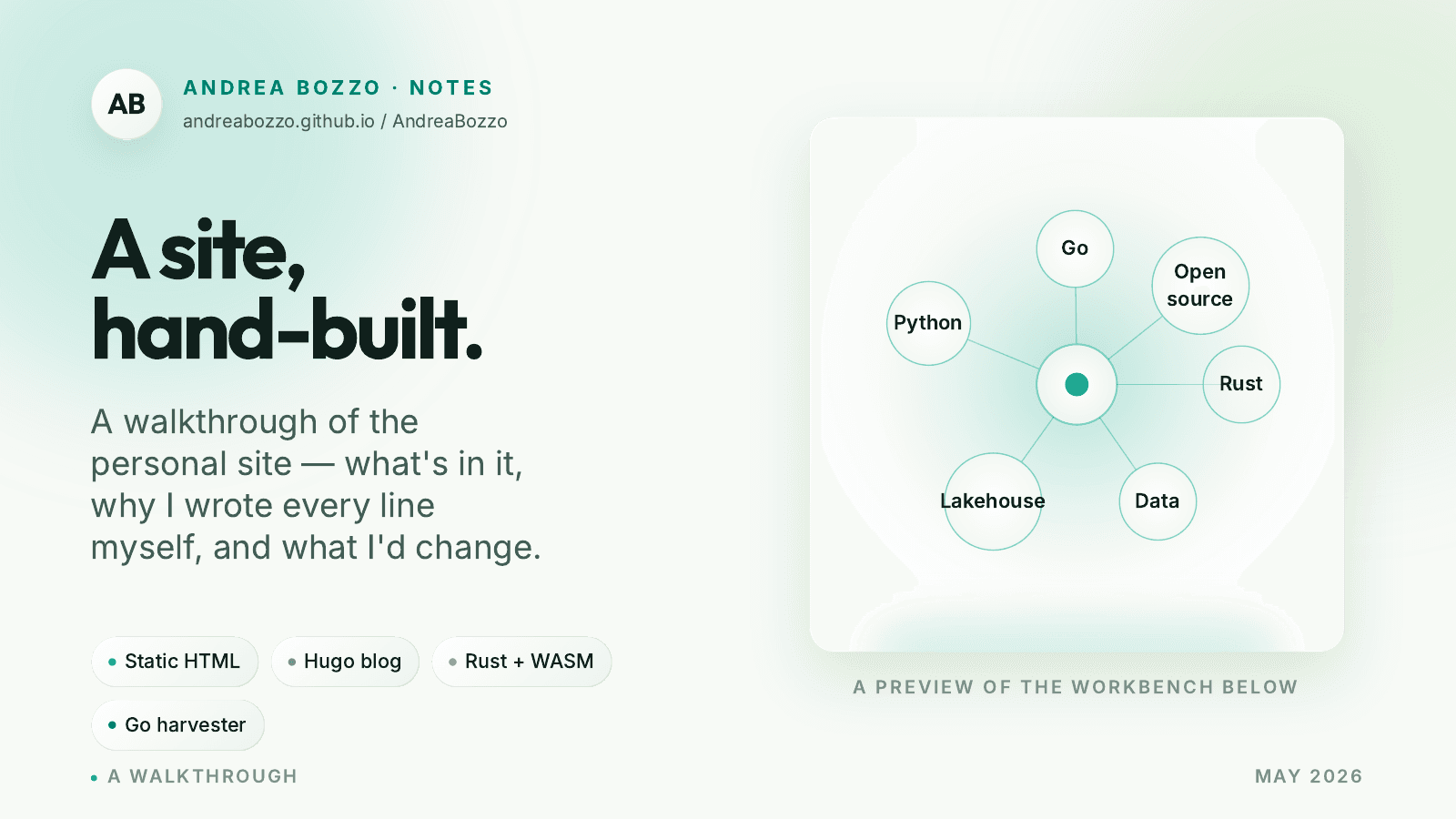
The homepage includes a small workbench that visualizes my projects and writing as a graph-like interface. I could have treated this as a Rust/WASM-first project with a thin JavaScript shell; instead, I flipped that relationship.
The split is:
- JavaScript owns fetching JSON artifacts, service-worker behavior, UI state (selected node, active topic, query text), DOM rendering, and canvas drawing.
- Rust owns deterministic derivation from the JSON payload: item normalization, topic detection, query parsing, ranking, counts, graph edges and coordinates, plus optional layout ticks.
The browser validates the WASM surface by calling an exported workbench_engine_contract() function. If the contract version is missing or incompatible, the site stays on the JavaScript fallback implemented in assets/workbench/view-model.js.
When changing the Rust side, the workflow is explicit:
| |
The guiding principle is that WASM is an optimization, not a second frontend. Fetching, DOM decisions, styling, and interaction policy remain in JavaScript; Rust never learns about the DOM.
A Small Go API Companion
Static hosting covers most of what I need, but a few features benefit from a thin API layer. The repository therefore includes a small Go api/ surface, which I deploy on Vercel while keeping GitHub Pages as the primary static host.
Currently there are two endpoints:
/api/github/stats— a JSON summary for a GitHub user./api/github/badge— an SVG badge for a single GitHub metric.
Both accept a username query parameter that defaults to AndreaBozzo. The badge endpoint also accepts a metric parameter (stars, repos, followers, top-repo). An optional GITHUB_API_TOKEN (with GITHUB_TOKEN as a fallback) increases GitHub API rate-limit headroom.
The static homepage discovers the companion API through an ab-api-base meta tag in index.html. In production it points at the Vercel hostname that serves the api/ directory, while GitHub Pages remains the static origin. Leaving it blank falls back to same-origin requests, which is convenient for Vercel preview deployments where the API is co-hosted with the site.
The long-term model is simple:
- GitHub Pages serves the static site and blog.
- Vercel serves only the
api/directory.
Static and dynamic concerns stay physically separate but logically connected.
Makefile and Common Commands
To keep workflows discoverable, the repository root includes a Makefile that groups the main tasks:
| |
In practice, make check is what I run before opening a PR, and make build-site is what I use when I want a local _site/ that matches the Pages deployment.
Under the hood these targets just delegate to npm, Go, Cargo, and Hugo, but they provide a stable surface as the project grows.
A Bilingual Site, Validated in CI
The site ships in English and Italian: every case study and every blog post has both an .en and an .it source, and the landing page has a parallel it/index.html plus an it/work/ tree of localized case studies. A header locale switch wires the two surfaces together.
To keep the two halves honest, the harvester exposes a validate-localization subcommand (also invoked as npm run validate:localization) that walks the assembled _site/ and checks that every page declares reciprocal hreflang links to its counterpart. It runs as part of npm run build:site, so a missing translation or a broken alternate link fails the build before it reaches GitHub Pages.
On top of that, the deploy workflow runs Playwright smoke tests against the locally-built artifact. They are not exhaustive end-to-end coverage, but they catch the obvious regressions - blank landing page, broken workbench, missing localized routes - before a deploy goes out.
Deployment via GitHub Pages
Publishing is handled by a GitHub Actions workflow that mirrors the local build:
- Check out the repository and its submodules.
- Validate the schema-versioned data contracts.
- Run the Playwright visual smoke tests.
- Build the blog with Hugo and assemble
_site/vianpm run build:site. - Deploy
_site/to GitHub Pages.
Because the workflow follows the same steps as npm run build:site followed by serving _site/, debugging a broken deploy usually just means reproducing it locally.
Editing Guidelines for Future Me
One of the most useful parts of this project is the editing guidance I wrote for myself:
- Keep the root landing page and the blog concerns separate in both code and configuration.
- Prefer editing source files (
assets/main.js,assets/styles.css,assets/data/case-studies.json) over touching generated artifacts in_site/orwork/. - Document any changes to deploy paths or workflows in both
README.mdandCONTRIBUTING.md.
The goal is simple: I want to be able to disappear for a few months, come back, and still know how to safely add a case study, adjust a visualization, or tweak a deployment without reverse-engineering my own decisions.
Closing Thoughts
The payoff of treating this as a real project is mostly invisible from the outside, but I feel it every time I touch the repo: I can add a case study without thinking, swap out a visualization without breaking the blog, and trust that a green CI run means a working deploy. The patterns here - JSON contracts, code-generated HTML, WASM as an optional accelerator, bilingual content validated in CI, and a thin Go API companion - are small enough to be boring and general enough that I keep reaching for them in other projects.
If you want to see the same instincts applied to bigger systems, the Ceres write-up covers semantic search on top of typed open-data sources, Lakekeeper shows the Rust-first / thin-glue split at lakehouse scale, and Harvesting vs Scraping revisits the harvester pattern in a very different domain. Different problems; the same handful of moves.